 NL
NL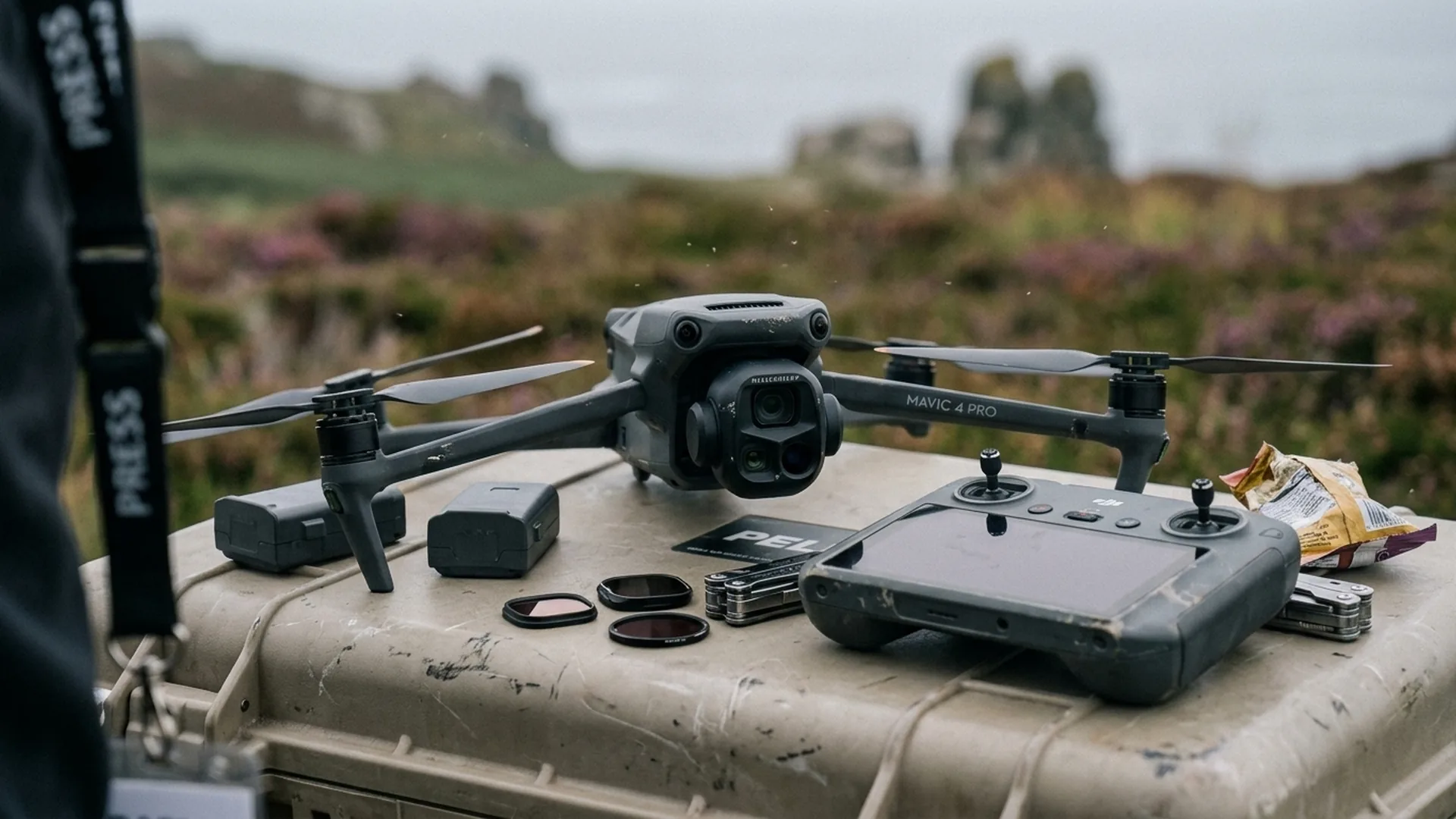
Global drone technology leader DJI has officially deployed a comprehensive software update across its premier flagship camera platform, the DJI Mavic 4 Pro. The update encompasses new system firmware for the aircraft itself, alongside synchronized updates for the professional DJI RC Pro 2, the popular DJI RC 2 remote controller, and the DJI Fly companion application across iOS and Android platforms.
For commercial drone operators, aerial cinematographers, and industrial inspection teams operating across European member states, this update represents an important refinement. While earlier firmware iterations introduced headline-grabbing capabilities such as the 360-degree continuous Infinity Gimbal rotation and triple-camera live switching, this release zeroes in on mission-critical stability, wireless link resilience, and low-latency control response.
Overview of the software update package
The simultaneous release across the Mavic 4 Pro ecosystem guarantees that communications between ground controllers and the airborne flight computer remain tightly synchronized. DJI strongly recommends updating all hardware components during the same maintenance session.
| Hardware Component | Firmware Version | Core Focus |
|---|---|---|
| DJI Mavic 4 Pro Aircraft | v01.00.0800 | Flight control stabilization, gimbal communication, and core bug fixes |
| DJI RC Pro 2 Controller | v01.00.0700 | O4+ video transmission stability and display rendering |
| DJI RC 2 Controller | v10.00.0800 | Radio link consistency and battery management efficiency |
| DJI Fly App (iOS & Android) | v1.21.8 | UI responsiveness and European airspace map layer handling |
While official release documentation concisely notes that the updates "fixed some known issues," experienced pilots will immediately notice improved stick linearity and smoother camera pan damping during slow cinematic sweeps.
Why flight stability updates matter on European film sets
In high-stakes commercial filming and live broadcasting environments, predictability is paramount. Our flight crews operating cinema drones understand that minor software latencies or video downlink stutter can compromise complex tracking shots.
The Mavic 4 Pro is engineered around a versatile triple-camera payload headlined by a 100MP 4/3-inch Hasselblad sensor capable of recording 6K HDR video, complemented by 70mm and 168mm telephoto modules. Switching dynamically between focal lengths during active flight requires substantial computational throughput. Firmware v01.00.0800 optimizes resource allocation across the onboard image signal processors to ensure glitch-free preview rendering.
Furthermore, the firmware refines integration between the forward-facing LiDAR sensor and the omnidirectional obstacle avoidance array, providing augmented confidence during twilight shoots and low-altitude urban filming missions.
EASA C2 compliance and European operational deployment
Across the European Union, the Mavic 4 Pro operates within the unified regulatory framework established by the European Union Aviation Safety Agency (EASA). Bearing an official C2 class identification label, the aircraft provides remarkable operational versatility for commercial enterprises:
- Open Category A2: Operators holding an EU A2 Remote Pilot Certificate of Competency can fly the Mavic 4 Pro at a safe lateral distance of 30 meters from uninvolved people, reducible to 5 meters when operating in low-speed mode.
- Open Category A3: Without an A2 qualification, the aircraft can be flown in open rural areas at a minimum distance of 150 meters from residential, commercial, or recreational zones.
- Specific Category (STS & SORA): For operations Beyond Visual Line of Sight (BVLOS) or over populated areas, the Mavic 4 Pro seamlessly conforms to standard scenarios such as EASA STS-01 and bespoke SORA operational authorizations.
For production workflows involving a dedicated cinema operator, the updated controller firmware improves dual-stick decoupling, allowing the pilot and camera operator to coordinate complex flight trajectories with greater fluidity.
Pre-flight checklist after updating firmware
To avoid unexpected delays on production sets, commercial flight crews should observe the following verification checklist following any firmware installation:
- Verify battery capacity: Ensure that all flight batteries and remote controllers have at least 50% to 75% charge before commencing the installation process.
- Reconfigure custom camera profiles: As with major firmware updates, camera parameters including exposure compensation, gimbal speed curves, and color gamuts may reset to factory defaults. Review our comprehensive guide on color profiles and post-production workflows to quickly restore your custom D-Log M configurations.
- Perform sensor calibrations: Conduct an IMU and compass calibration on a flat, non-magnetic outdoor surface following installation.
- Execute a low-altitude test flight: Always perform a brief 5-minute hover and control verification flight in an open area before deploying to a client assignment.
Sustained software refinement for professional reliability
Incremental stability updates may not always make sensational headlines, but they form the backbone of safe and professional drone aviation. DJI's continued software support for the Mavic 4 Pro reinforces the maturity of the platform and its readiness for demanding commercial applications.
For European drone pilots seeking maximum operational reliability across cinematography, asset inspection, and media production, installing firmware v01.00.0800 is an uncomplicated and sensible maintenance step. It keeps your hardware operating at peak performance while ensuring seamless integration with the latest pilot control tools.
Frequently asked questions
Should I update all controllers and mobile apps at the same time?
Yes. Updating the drone, remote controllers (DJI RC 2 or RC Pro 2), and the DJI Fly app simultaneously ensures complete protocol synchronization and prevents communication discrepancies during flight operations.
What should I do if the firmware update fails during installation?
If the update process is interrupted within the DJI Fly app, power-cycle both the drone and controller and reattempt the update. If issues persist, connect the aircraft directly to a computer and perform the update using the official DJI Assistant 2 utility.
Does this firmware release affect the drone's EASA C2 class certification?
No. The C2 class rating, noise emissions compliance, and flight envelope limitations remain completely unchanged. The update strictly enhances internal software stability and system reliability.