 NL
NL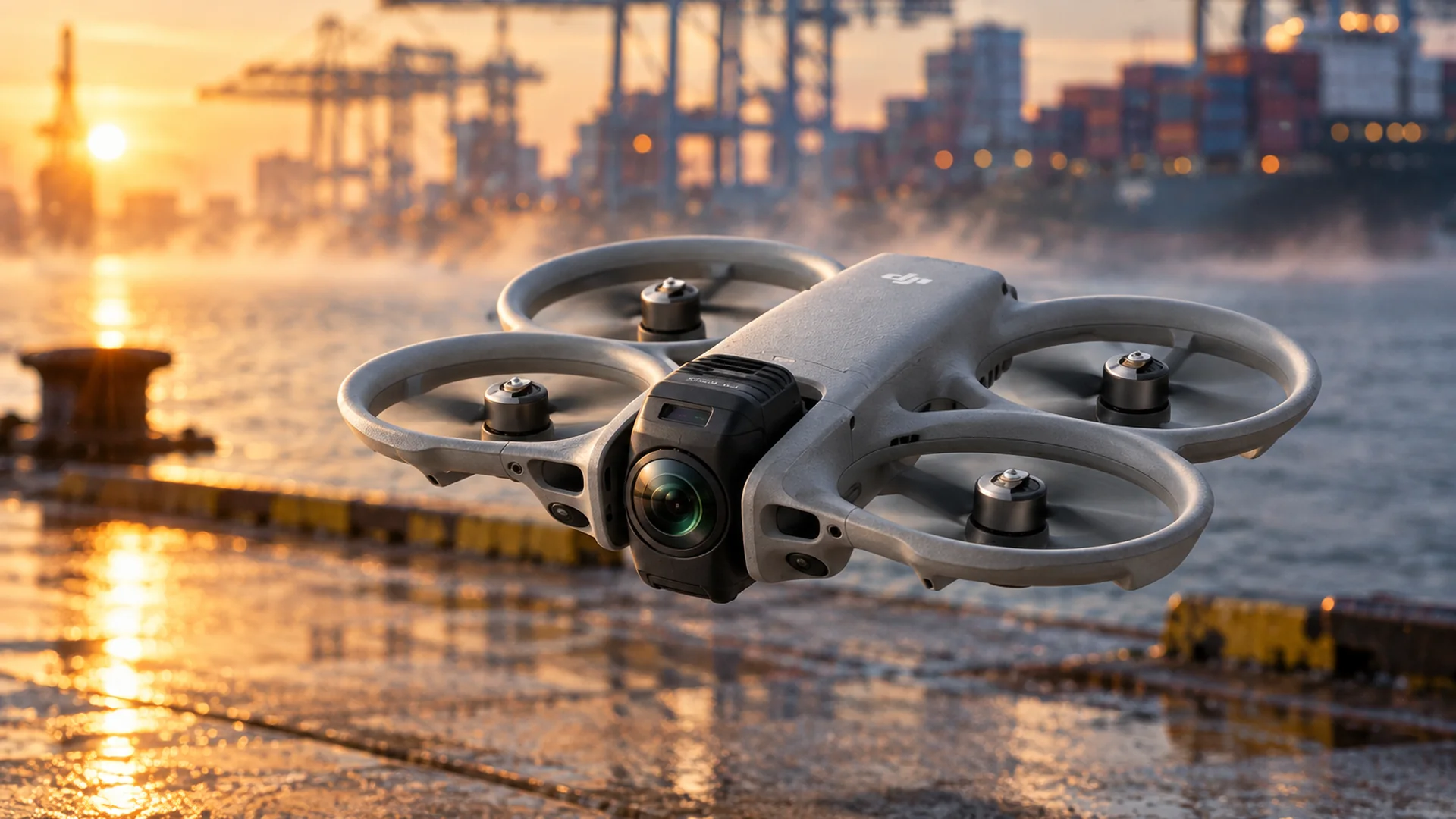
DJI Avata 360 gains, with firmware v01.00.0800, a feature the Avata line has not had until now: waypoint missions. The update was published on 20 October 2026 and allows the drone to fly a pre-plotted route on its own. According to DroneXL, this is the first Avata model with that feature, as the Avata and the Avata 2 did not have it.
What the update includes
Waypoint Flight is the major new addition. You plot a route on the map, select a Point of Interest and the drone flies the course autonomously. Distance and duration of the route are shown on screen. In addition, there is zoom in FocusTrack, support for the DJI RC Pro 2, and Vision Assist, which switches on automatically with the direction of travel. The package also includes bug fixes.
The other components also receive an update. The RC Pro 2 moves to firmware v01.00.0900, and there are new versions for the RC 2, Goggles 3, N3, RC-N2 and N3, DJI Fly 1.21.16 and DJI Studio 1.2.11. After updating, check the RTH altitude and the maximum flight distance, as these may reset. Set them again before flying.
Image quality remains unchanged. The camera still records 360-degree video up to 8K at 60 fps in HDR, and framing is chosen in post-production. DroneDJ and DroneWatch NL reported on the release earlier.
Why waypoints on a 360-degree camera
With a 360-degree camera, the pilot does not need to frame the shot during flight. The camera captures the full spherical image and the angle is chosen later. A fixed route therefore suits this concept well: the pilot keeps attention on safety and airspace, while the drone follows the course. The result is footage that can be freely reframed in post-production, flown along a route that is always the same.
That manufacturers release such features via firmware rather than new hardware has a practical reason. A route planner and a mission function are essentially software. Existing aircraft therefore gain a feature that would otherwise only arrive with a subsequent model. For customers that is attractive, and the manufacturer keeps a product line current for longer.
Three applications
Progress monitoring on construction and property projects. Using the same route each week or each month, you place recordings side by side. Because the course is fixed, you compare like with like.
Inspection of roofs, façades and sites. A fixed route along roof edges, façades or a sports pitch produces the same angles every time, even when a different pilot flies the mission.
Events and location scouting. A pre-plotted route allows filming during an event without steering every movement by hand. Plan the route carefully and check flight restrictions on site.
What this means for operators
For an operator who deploys this aircraft daily, the change is mainly in planning. Take a fixed loop around a factory hall or a building volume that must be flown again every quarter. You plot that route once, with the RTH altitude and maximum distance correctly set, and then fly it repeatedly. That saves time per flight, and comparison between quarters only becomes reliable if the route remains identical. Nevertheless, check after every update whether these settings have been reset.
For the first mission, start cautiously. Plot the route over open ground first, so you know how the drone behaves before it flies the course autonomously. Check on the map whether the route matches the intended shot and whether distance and duration match your expectations. Only then plan the mission.
Waypoint flights take over the control inputs, but responsibility remains with the pilot. If your flights fall under the Open category, its fixed limitations apply. For more complex operations, a SORA assessment remains the basis, and for flights outside the Open category an operational authorisation is often required. Check the airspace, altitude and distance on every flight.
Market and strategy
The market picture explains why manufacturers invest in software and flight functions. Mordor Intelligence estimates the European drone services market at around 10.95 billion dollars in 2026, with growth of approximately 24 per cent a year through to 2031. In such a market, repeatability is a sales argument. A function that gives professional users a fixed workflow therefore carries almost as much weight as the camera itself.
For the Avata 360, Waypoint Flight is the most important addition in this update. How stable the feature proves in operators' work will depend on use.
Frequently asked questions
What is Waypoint Flight?
A feature that lets you plot a route on the map and have the drone fly that route autonomously. Distance and duration are shown on screen.
Has image quality changed?
No. The Avata 360 still records 360-degree video up to 8K at 60 fps in HDR, and framing is chosen afterwards.
Do I need to check anything after the update?
Yes. The RTH altitude and maximum flight distance may reset, so set them again before flying.
Which firmware do I need for the RC Pro 2?
Firmware v01.00.0900. That version belongs to this update and is required for RC Pro 2 support.